
Implementation from scratch
We map your processes, configure the modules, load catalogs and balances and train every area.
Odoo ERP line
We configure Odoo around how your company works, migrate your data and stay with you until operations run on their own. From scratch or by rescuing a project that did not work.
 Sales
Sales CRM
CRM Inventory
 Accounting
 Invoicing
 Point of sale
 Purchasing
 Manufacturing
 Projects
 Employees
 Website
 Helpdesk
We map your processes, configure the modules, load catalogs and balances and train every area.
Is your Odoo half-finished or unused? We audit configuration, modules and data and put it to work.
We move your database to the current version or migrate from Excel, CONTPAQi, Aspel or another ERP.
Reports, approval flows and your business rules, built without breaking upgrades.
Online store, banks, couriers, scales, mobile apps and existing systems connected to Odoo.
Job-specific manuals, sessions by area and a monthly plan for questions and improvements.

Production, inventory, purchasing and accounting work on the same data, with no spreadsheets in between.
ManufacturingInventoryPurchasingAccountingMany implementations fail for lack of guidance, not because of the system. We deliver an audit with priorities and a plan to get it working.
We interview every area and define modules, reports and data to migrate.
We configure Odoo, clean and load your data and test every flow with you.
Everyone learns what they use, with short manuals for their role.
We are with you during the start of real operations.
If you are looking for license prices and module details, visit odoo.braincode.com.mx.
It depends on the modules, the data to migrate and the areas that go live. We define it in the diagnosis and it goes in writing in the proposal.
Community has no license cost; Enterprise adds full accounting, tax localizations and official support. In the diagnosis we recommend the one that fits.
Yes. We migrate customers, suppliers, products, stock and balances from Excel, CONTPAQi, Aspel, SAP Business One or other systems.
Odoo has localizations for Mexico (CFDI 4.0) and several Latin American countries. We configure e-invoicing and the stamping or validation provider that applies.
We reply within one business day with the next steps. We serve Mexico and all of Latin America.
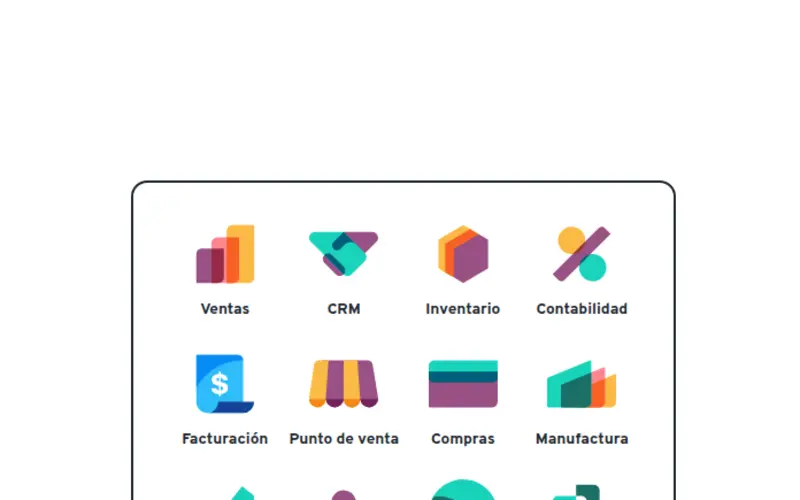


 Odoo ERPImplementation, rescue and custom modules
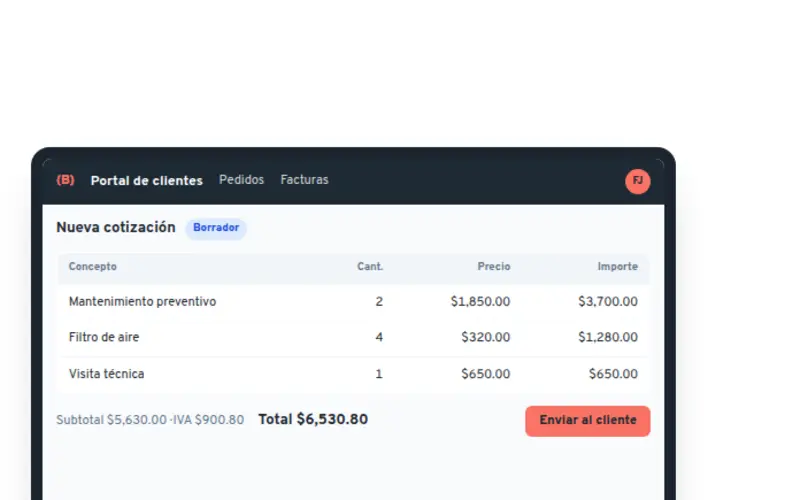


 Custom softwareWeb platforms, portals and APIs
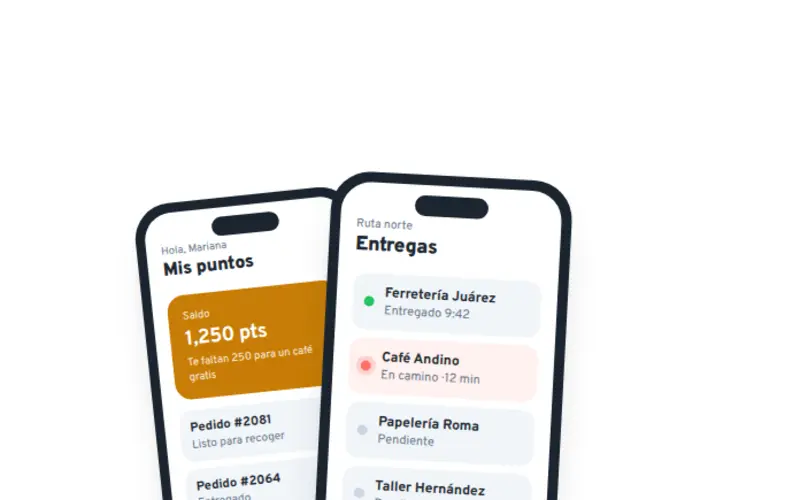

 Mobile appsiOS and Android for your team and your customers
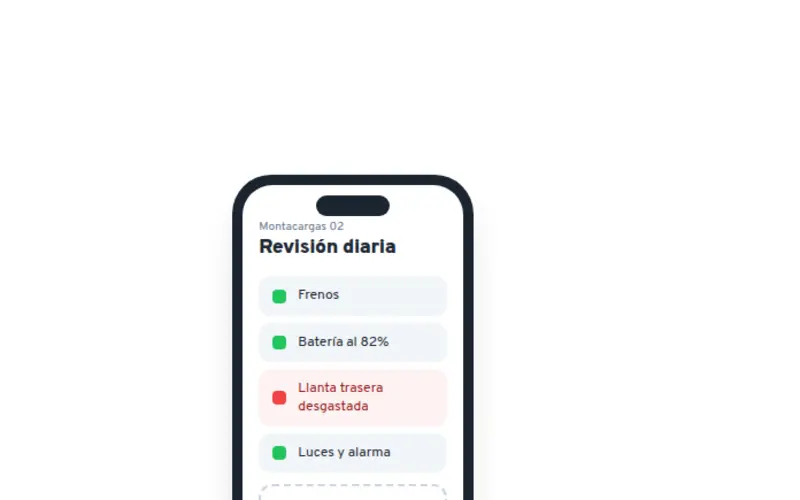

 Process digitalizationMicro apps built for your operation
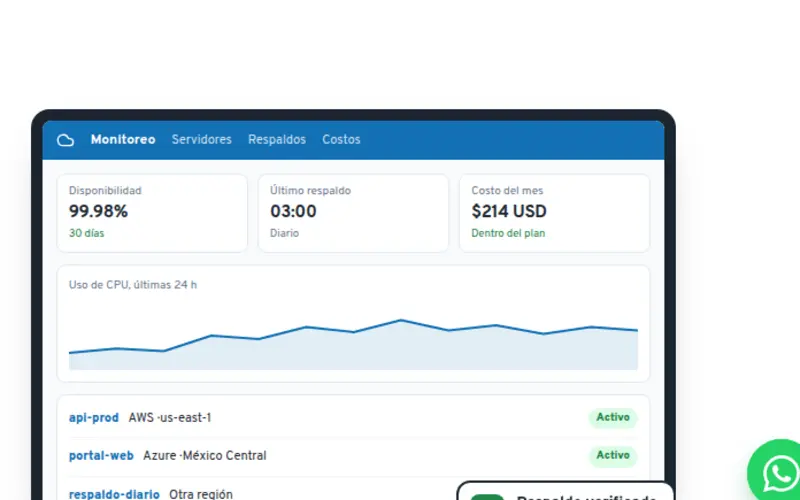


 Cloud AWS and AzureMigration, backups and security
 Odoo siteModules, plans and licenses at odoo.braincode.com.mx
